> For the complete documentation index, see [llms.txt](https://premium.gitbook.io/main/llms.txt). Markdown versions of documentation pages are available by appending `.md` to page URLs; this page is available as [Markdown](https://premium.gitbook.io/main/osnovnye-nastroiki/nastroiki/logirovanie/log-statusov-zayavok.md).
# Лог статусов заявок
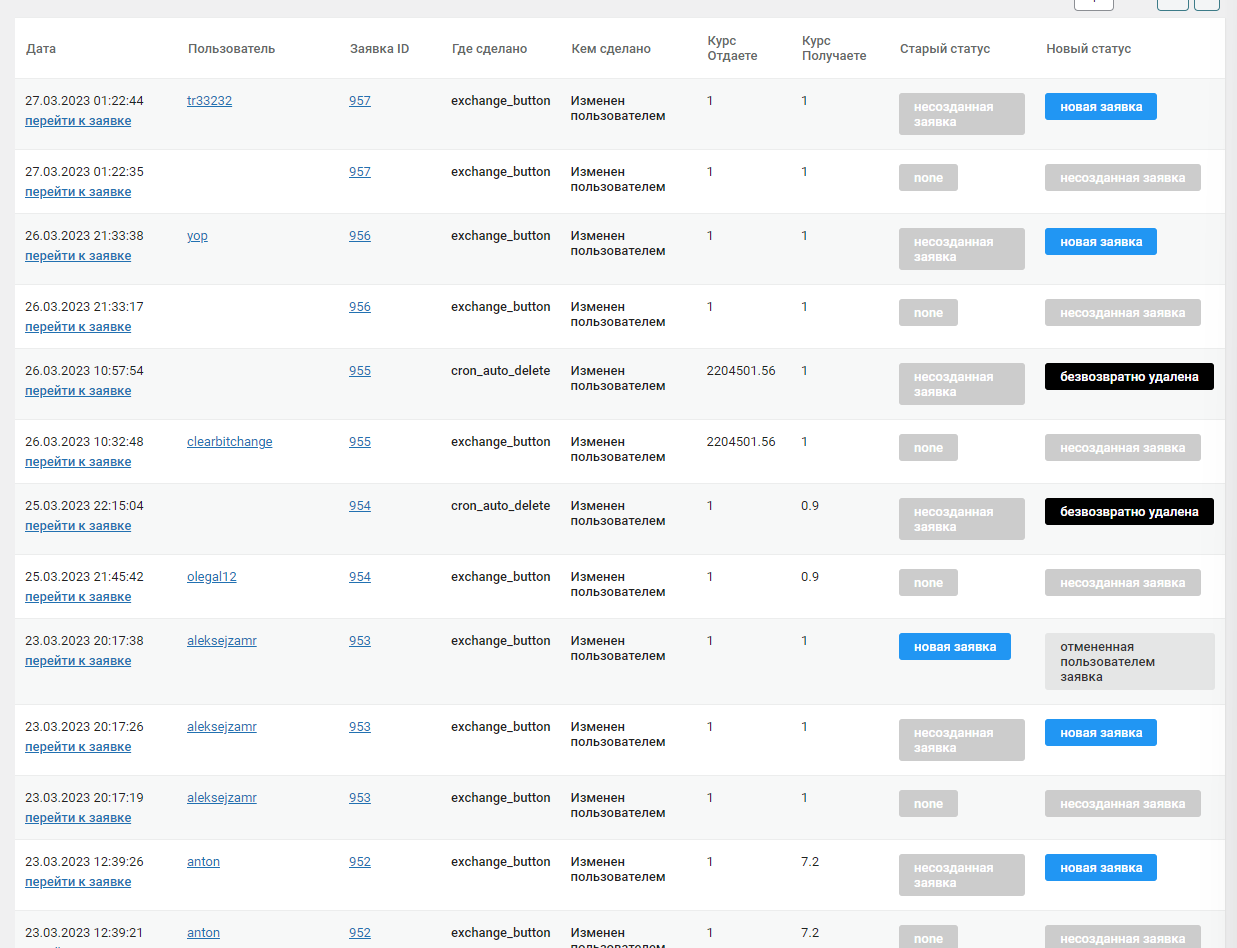
В этом разделе ("**Заявки**" -> "**Лог статусов заявок**") вы можете посмотреть все переходы заявок по статусам.
{% hint style="info" %}
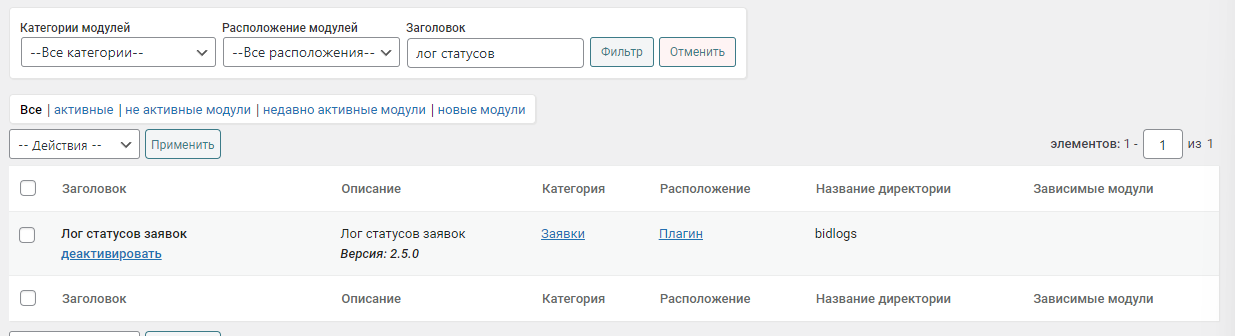
Если раздел не отображается в боковой панели - включите модуль в разделе "**Модули**":
{% endhint %}
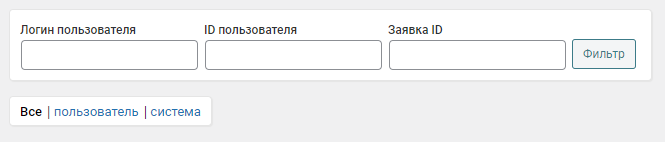
Для удобства поиска конкретных данных вы можете воспользоваться фильтром по 3 условиям:
* **Логин пользователя** — отобразить все заявки от указанного пользователя по его логину
* **ID пользователя** — отобразить все заявки от указанного пользователя по его ID
* **Заявка ID** — отобразить все статусы конкретной заявки
Также вы можете отфильтровать данные по типу смены статуса заявки — переход в новый статус был совершен пользователем или системой.
 {% endhint %}